
Standing Desks: Everything You Need to Know
This guide helps you choose the right standing desk, set it up correctly, and know what benefits to expect.
What Is a Standing Desk?
A standing desk, also called a height-adjustable desk or sit-stand desk, is a desk that allows the user to alternate between sitting and standing throughout the day. This is achieved by raising or lowering the work surface to match the user’s preferred posture or task.
Unlike traditional fixed-height desks, standing desks are designed to support healthier work habits by reducing the amount of time spent sitting. They’ve become increasingly popular in both home offices and professional workspaces due to the growing awareness of the health risks associated with sedentary behavior.
The core benefit of any standing desk is flexibility: the ability to move, change positions, and reduce physical strain over the course of the day. Whether for improved posture, greater comfort, or enhanced productivity, standing desks are a practical upgrade to almost any workspace.


Health & Productivity Benefits
Standing desks are often adopted for ergonomic reasons, but their impact goes well beyond comfort. A growing body of research links prolonged sitting to a number of health concerns, including poor posture, back pain, metabolic issues, and reduced cardiovascular health.
Key Health Benefits of Standing Desks:
Reduced back and neck strain
Alternating posture helps alleviate spinal compression and tension in the shoulders and neck.
Improved posture
Standing encourages better alignment of the spine and engages core muscles.
Lower risk of chronic conditions
Regular movement can reduce the risk of type 2 diabetes, obesity, and heart disease.
Better circulation
Standing periodically helps maintain healthy blood flow and reduce fatigue.
Productivity Benefits:
Increased energy levels
Many users report feeling more alert and focused when standing.
Improved concentration
Movement supports mental clarity and reduces mid-day sluggishness.
Fewer work interruptions
Fast, smooth desk adjustments let you maintain workflow without pause.
Experts Say: “A worksite sit-stand program reduced sitting by 66 minutes/day and upper back/neck pain by 54%.” — CDC (Preventing Chronic Disease).
Standing Desk Ergonomics (Quick Guide)
Screen: Align the top of the display near eye level and keep it about an arm’s length away. This helps you maintain a neutral neck and reduces upper-back strain.
Arms & wrists: Keep elbows close to your sides at ~90°. Set keyboard and mouse at the same height so forearms stay level and wrists remain straight—no reaching or twisting.
Stance & support: Stand with feet flat and weight balanced. An anti-fatigue mat cushions joints and encourages small posture shifts. Use a low footrest or compact balance board to vary stance for a few minutes at a time.
Recheck these cues whenever you change height.
Track standing time with our helpful Standing Desk Timer app.
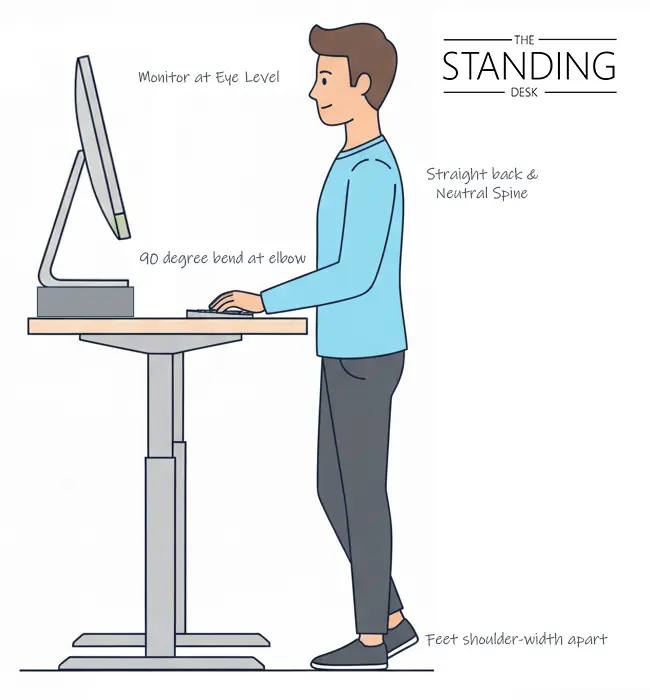
Your screen should be at or slightly below eye level, about 20–28 inches from your face. This helps prevent tilting your neck forward or looking down, both of which contribute to upper spine stress.
Stand tall with a neutral spine: ears over shoulders, shoulders over hips. Avoid slouching or over-arching. Engage your core lightly and let your shoulders rest.
Your elbows should remain close to your body at roughly a 90-degree angle. Wrists should be straight and level with your forearms. Avoid reaching or bending at the wrist while typing or using a mouse.
Stand with your feet flat and weight evenly distributed. Use an anti-fatigue mat to reduce pressure and encourage micro-movements. A footrest or balance board can also help vary your stance and reduce static loading.
Experts Say: “Limit prolonged sitting to ≤4 hours/day; limit continuous standing to ≤1 hour/day; cumulative standing ≤4 hours/day.” — CDC/NIOSH guidance.

Types of Standing Desks
Height-adjustable desks vary by lift mechanism. Pick the type that matches your workspace, gear, and adjustment frequency.
Pneumatic Standing Desks
Powered by gas springs, pneumatic desks allow fast, silent adjustment without the need for electricity. They’re ideal for mobile setups or where cord-free use is preferred. With fewer mechanical parts, they also tend to be more durable and maintenance-free.
Electric Standing Desks
These desks use motorized lift systems, usually controlled by a button or preset panel. They’re well-suited for heavier setups, but can be slower to adjust and rely on a power source. Over time, motor components may require servicing or replacement.
Manual (Crank) Desks
Manual desks adjust height using a hand crank. While typically lower in cost, they require physical effort and are less convenient for users who adjust positions frequently.
Standing Desk Converters
Placed on top of a fixed desk, these platforms allow basic sit-stand adjustments. They’re portable and affordable, but limited in surface area and ergonomic range.
How to Choose the Best Standing Desk
Choosing the best standing desk involves more than just picking a desk that goes up and down. The right desk should fit your work style, support your equipment, and adjust comfortably to your body. Here are key factors to consider:
Adjustability
Look for a desk with a smooth and responsive lift mechanism. If you’ll be switching between sitting and standing often, speed and ease of use matter. Most users prefer desks with assisted lift systems—either pneumatic or electric—over manual crank models.
Weight Capacity
Consider the equipment you keep on your desk: monitors, docking stations, speakers, or heavy accessories. Make sure the desk can lift the combined weight without strain or instability.
Surface Size
Choose a work surface that matches your layout and gear. Compact desks work well in home offices, while larger surfaces offer more flexibility for multi-monitor setups or creative tools.
Stability
A high-quality standing desk should feel stable at all heights. Look for commercial-grade materials and solid frame construction—especially if you’ll be working at standing height for extended periods.
Portability
If you need flexibility in where you work, desks with casters and cord-free operation give you freedom to rearrange your space easily.
Finding the right desk is about matching features to how – and where – you actually work.
Video: How to Choose a Standing Desk
Type | Pneumatic 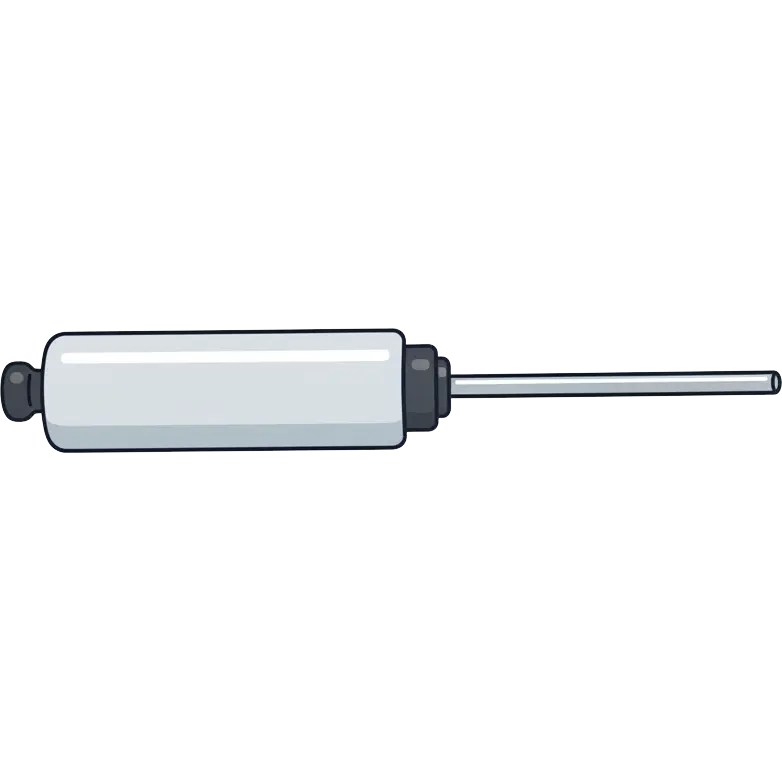 | Electric 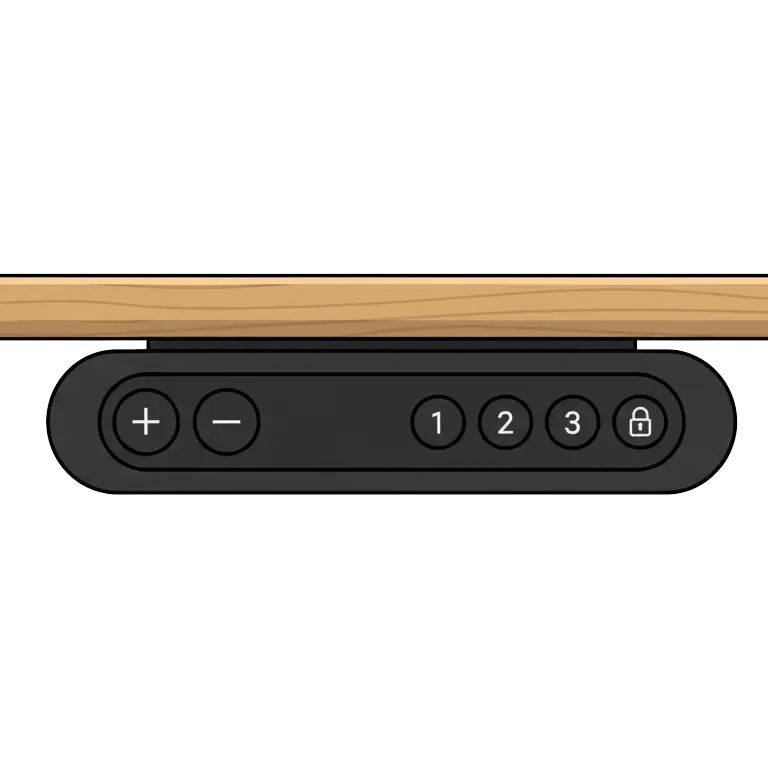 | Manual (Crank) 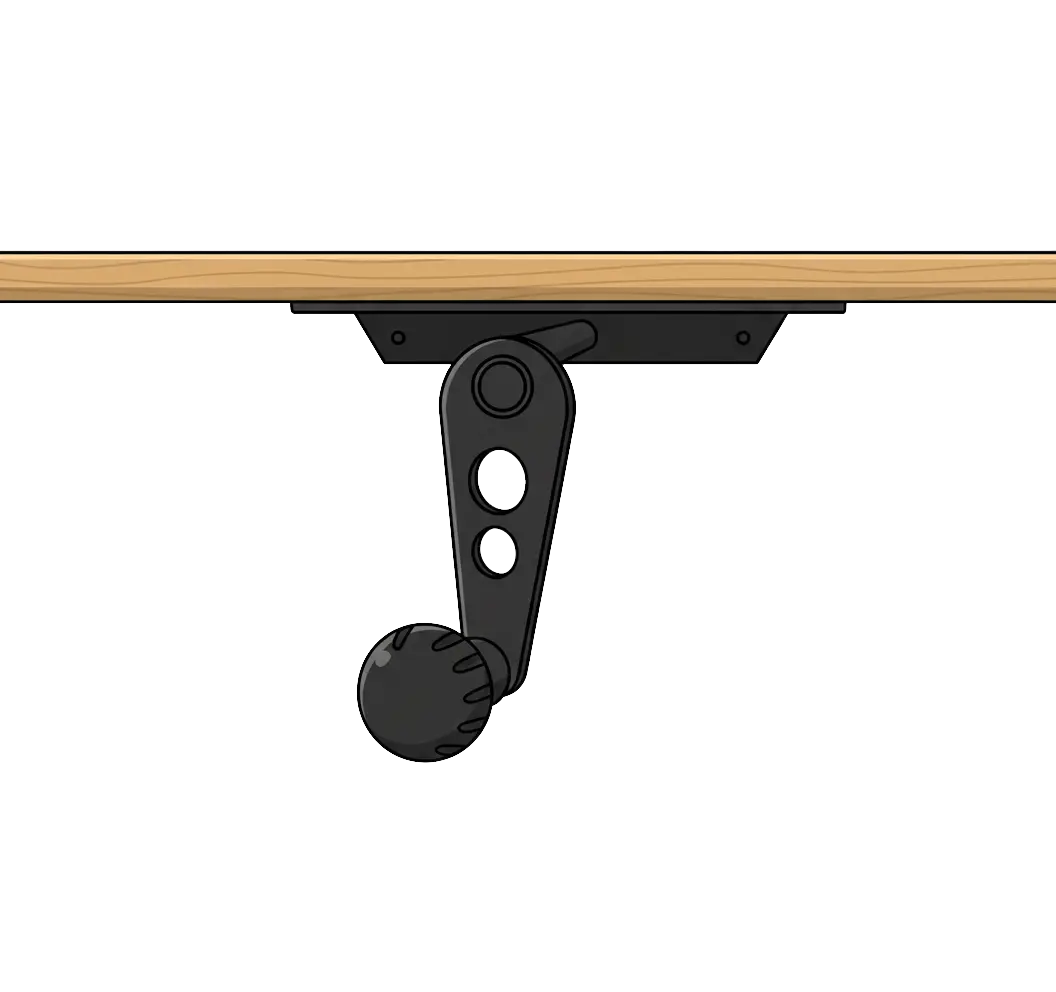 | Converter 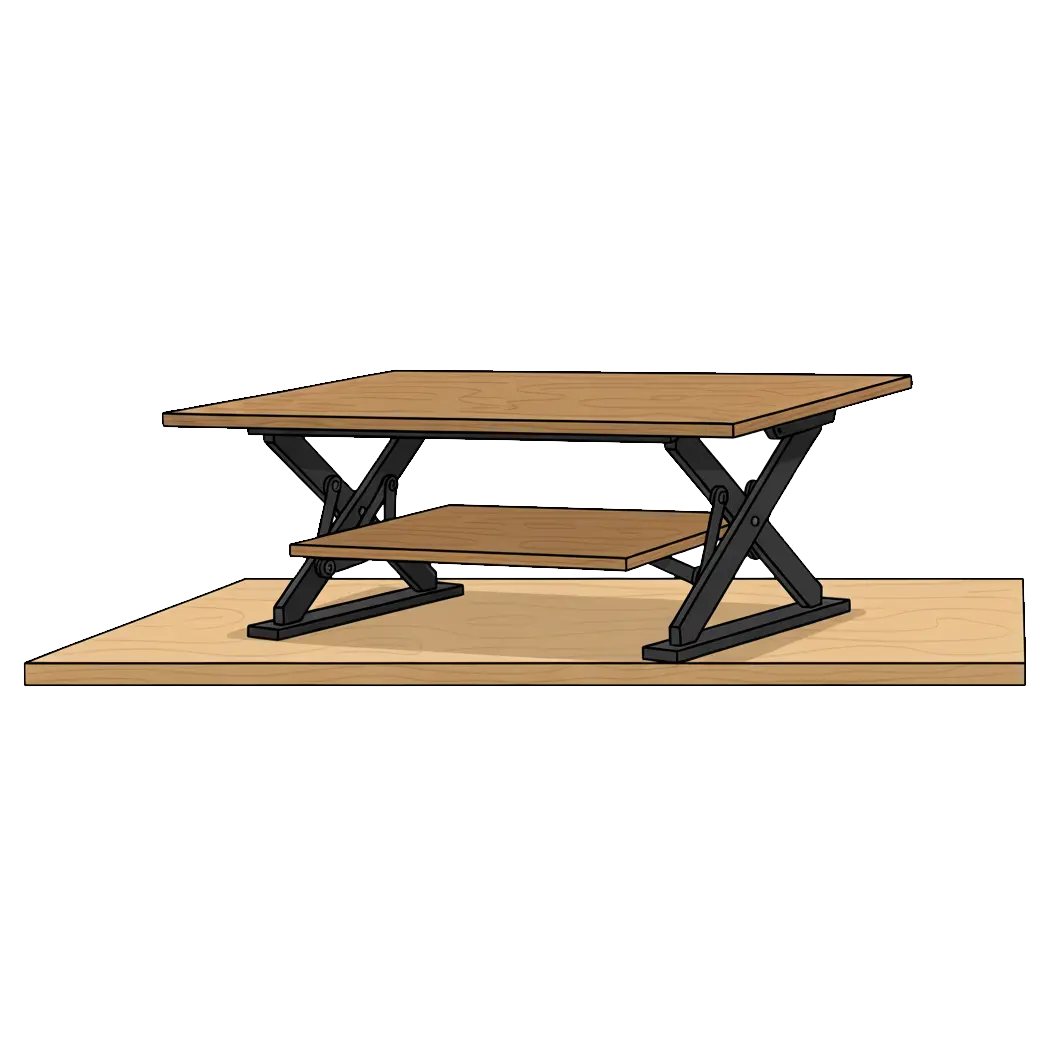 |
Best For | Frequent Sit-Stand Changes, Quiet Offices | Heavy Setups | Infrequent Adjustments | Uses existing fixed desk |
Lift Speed | Very Fast, Smooth | Moderate | Slow (Requires Physical Effort) | Quick for small loads |
Noise | Very Quiet | Low (Motor Hum) | Very Quiet | Very Quiet |
Power | Power-Free | Requires outlet | Power-free | Powered & Power-free options |
Capacity | 60-150 lbs | Up to 300 lbs. | Up to 300 lbs. | Up to 50 lbs. |
Reliability | High (Few Moving Parts) | Moderate (Motors may wear over time) | High | Some parts may wear over time. |
Portability | Yes, with casters | No | Yes, with casters | No |
Price | $$-$$$ | $-$$$ | $-$$ | $-$$ |

Frequently Asked Questions About Standing Desks
What is a standing desk and how does it work?
A standing desk is a height-adjustable desk that allows you to alternate between sitting and standing while working. Depending on the design, it may use electric motors, pneumatic lift systems, or manual cranks to raise and lower the surface. This helps reduce sedentary time and supports better posture throughout the day.
Are standing desks good for your health?
Yes. Standing desks can help reduce back and neck pain, improve posture, and support healthier movement habits. They promote better circulation, energy levels, and focus when used correctly. The key is to switch positions regularly—not to stand all day.
How often should I alternate between sitting and standing?
Experts recommend switching every 30 to 60 minutes. For example, sit for 45 minutes, then stand for 15–30 minutes, repeating the cycle throughout your day. Alternating postures helps reduce fatigue and keeps muscles engaged without overloading your joints.
Can standing desks improve productivity?
Many users report increased alertness, better concentration, and fewer midday slumps. Standing periodically may help reduce mental fatigue and improve engagement, especially during long periods of computer work. The flexibility to move often contributes to a more comfortable and productive workflow.
Do standing desks help with back pain?
They can. Standing desks encourage posture changes that may relieve pressure on the spine, particularly in the lower back. When paired with good ergonomics—monitor height, keyboard position, and proper footwear—they can reduce the strain associated with sitting for long periods.
What is the best height for a standing desk?
Your desk height should allow your elbows to bend at 90 degrees with your wrists flat while typing. Your monitor should be at or slightly below eye level. A properly adjusted desk helps you maintain a neutral, relaxed posture and reduces physical strain.
Do standing desks burn more calories than sitting?
Yes, but modestly. Standing burns about 10–20% more calories per hour than sitting. While this won’t replace exercise, reducing prolonged sitting helps increase daily energy expenditure and supports long-term wellness goals.
Are there different types of standing desks?
Yes. Common types include electric desks (motorized), pneumatic desks (gas-lift), manual crank desks, and standing desk converters that sit on top of traditional desks. Each offers different benefits depending on adjustability, noise, power source, and workspace needs.
Are standing desks worth it?
For many users, yes. If you spend long hours at a desk, a standing desk offers better comfort, posture, and long-term health benefits than a traditional fixed-height desk. The ability to move during your workday can improve how you feel and how you work.
Can I use a standing desk in a small space?
Absolutely. Many standing desks come in compact sizes suitable for apartments, studios, and home offices. Some are mobile or collapsible, and others are designed to fit against walls or in corners. Choose a desk with a small footprint but enough surface area for your setup.
Explore Standing Desks
See All Products-

-
Sale!
-
-
-